By | October 13 2011 9:36 AM

1 of 5
1.Clean up Your Device - iOS 5 Released: 5 Things You Need to Do Before Upgrading
Photo: REUTERS

1.Clean up Your Device - iOS 5 Released: 5 Things You Need to Do Before Upgrading

It is strongly recommended that you clean up your device before downloading the new software. This is important because this can ensure that the updating process goes smoothly. On the other hand, spending some time inspecting the contents of your device and deleting the junk files will be beneficial. It's also worth your while to clear up some storage space by deleting all the apps that you haven't used in a while, and all the songs that haven't been played for ages, or any other downloaded stuff that proved to be fun at first, but useless and boring in the long run. Another important reason why you should get rid of those unused items is that you will not have to synchronize your device with your computer anymore.
2.Update to iTunes 10.5 - iOS 5 Released: 5 Things You Need to Do Before Upgrading
Photo: REUTERS

2.Update to iTunes 10.5 - iOS 5 Released: 5 Things You Need to Do Before Upgrading

Apple launched iTunes 10.5, the newest version of iTunes, on Tuesday. Before upgrading to iOS 5, make sure you have already updated your iTunes software to iTunes 10.5, both on your computer and on your iOS device. Simply click on the iTunes menu button, and then choose "check for update." Then, you will know if you have the most current version or if you need to update your software.
3.Check for iOS Compatibility Issues - iOS 5 Released: 5 Things You Need to Do Before Upgrading
Photo: REUTERS

3.Check for iOS Compatibility Issues - iOS 5 Released: 5 Things You Need to Do Before Upgrading

Actually, in addition to iTunes, there may be other mission-critical apps you may need to update. If you think there are some apps you must have, then you should make sure there are no compatibility issues before you upgrade. If there are, you will have to delay your upgrade until the developer of that app releases an iOS 5-compatible update.
4. Back up - iOS 5 Released: 5 Things You Need to Do Before Upgrading
Photo: REUTERS

4. Back up - iOS 5 Released: 5 Things You Need to Do Before Upgrading

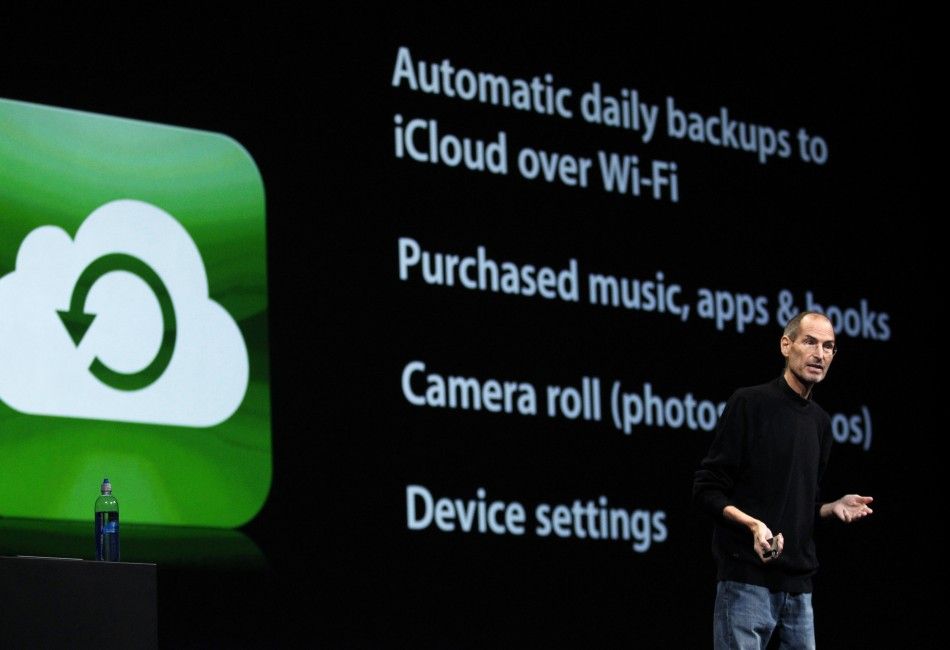
You should always remember to back up your devices before you upgrade your operating system. In this case, you need to back up both your iOS device and your computer. During the process of backing up, your device will be wiped out and restored. That means if you do this update and you do not back up, you may lose all of your information if the upgrade fails. You don't want to regret it, so make sure you back up your files and data. If you are not sure whether your iOS device has been backed up recently, just launch iTunes on your computer and connect your device via a cable. iTunes will automatically perform a backup for you. It could be your last time backing up to iTunes ever, since iCloud now allows you to store backups on Apple's servers.
5. Prepare Your Main Device for iCloud - iOS 5 Released: 5 Things You Need to Do Before Upgrading
Photo: REUTERS

5. Prepare Your Main Device for iCloud - iOS 5 Released: 5 Things You Need to Do Before Upgrading

iCloud has been released ahead of iOS 5. As has been mentioned before, iCloud enables the user to keep his or her contacts, bookmarks, calendars, reminders and notes synced across all Apple computers and iOS devices for free. However, to do so, users will need to set up a master device as a source of the original. This is the "master" from which all other devices will take their content. For instance, you can back up your contacts by creating an Address Book archive on OS X.

Apple on Wednesday released iOS 5, its most advanced operating system for mobile Apple devices, along with its iCloud service. 

After waiting a long time, users of devices that run on previous versions of iOS can upgrade their operating systems and gain access to more than new 200 features, many of which have been rumored since July.  

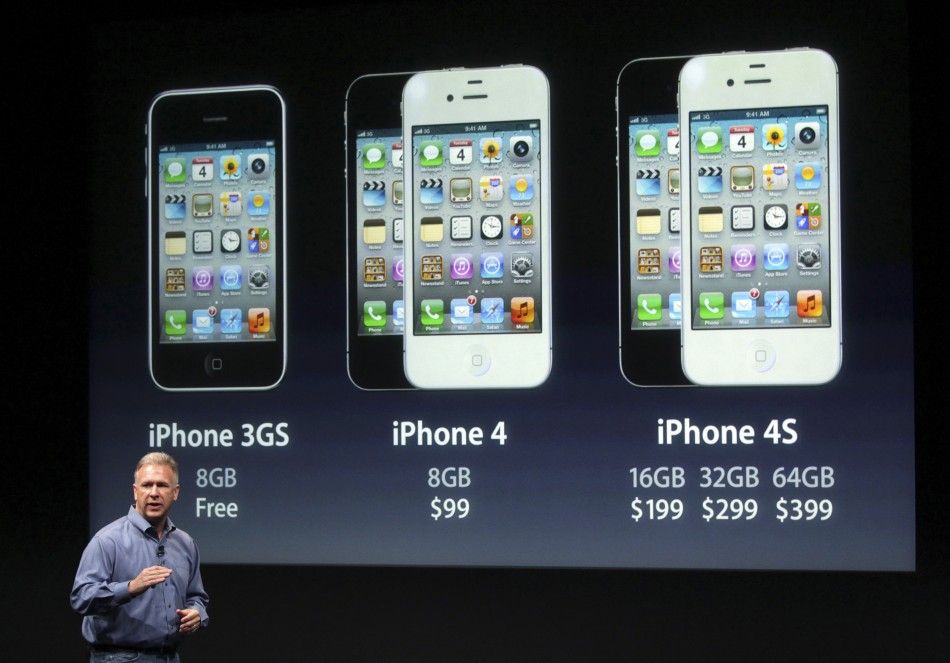
However, before you upgrade, it might be a good idea to follow these steps. Of course, it goes without saying that you must have a compatible device, and you should back up all your data before upgrading. Currently, the iOS 5 is compatible with any device that already has the current version of the iOS installed. The devices compatible with iOS 5 include the iPad and iPad 2, the iPod Touch 3rd and 4th generation models, and the iPhone 3GS, iPhone 4 and iPhone 4S.

MUST READ: Top 10 Best New iPhone Apps

MUST READ: Samsung Galaxy S2: Top 10 Large Screen Android Smartphones