By | December 05 2011 1:13 PM

1 of 10
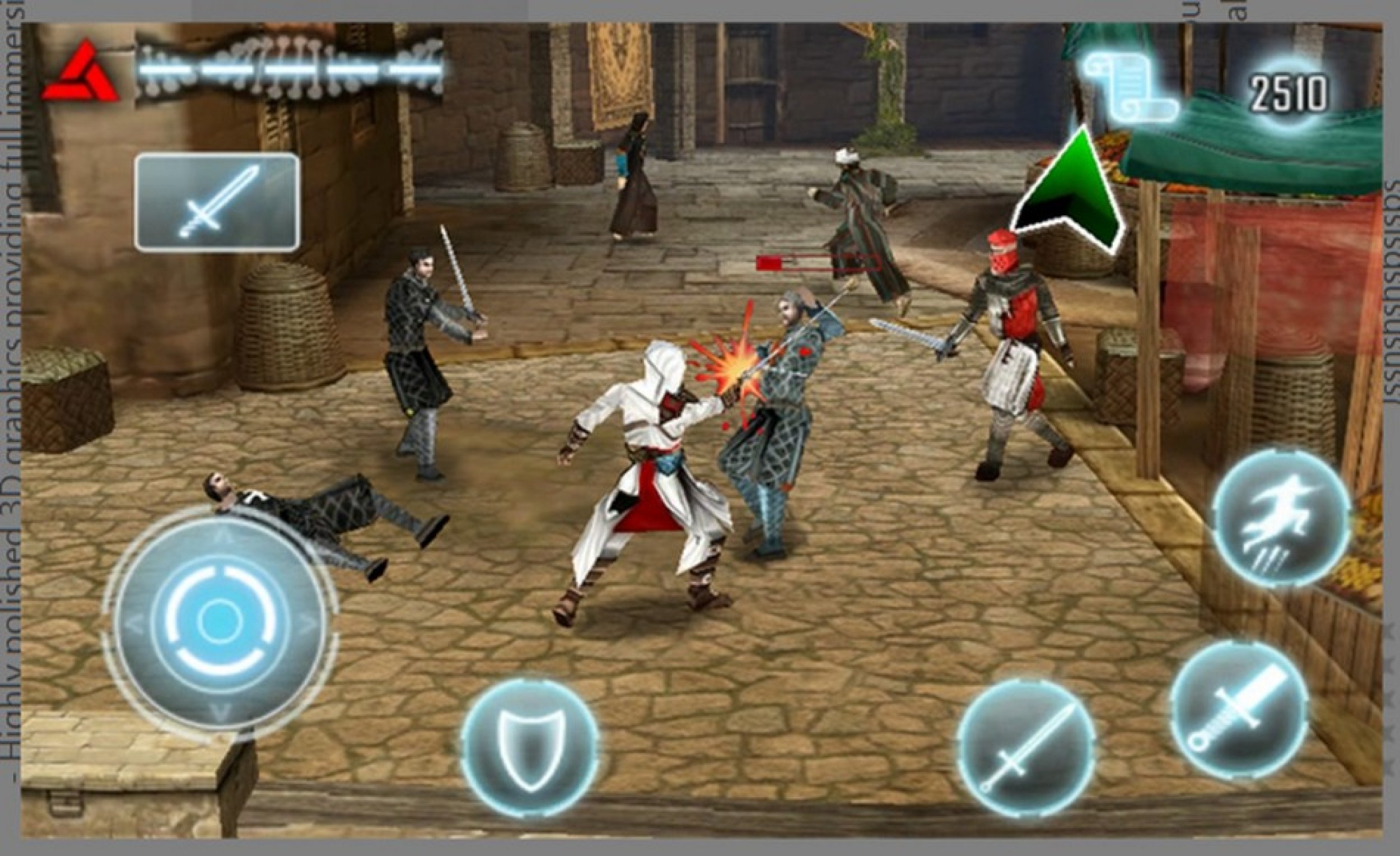
#1 Assassin’s Creed – Altair's Chronicles HD - Top 10 Windows Phone Apps
Photo: Gameloft

#1 Assassin’s Creed – Altair's Chronicles HD - Top 10 Windows Phone Apps

A sidescroller instead of the console version first person shooter, this Assassin's Creed prequel gives you a choice of six different weapons. The cut scenes are great and the controls are a simulated Xbox controller. It costs $5 and will run on Windows Phone 7 or 7.5.
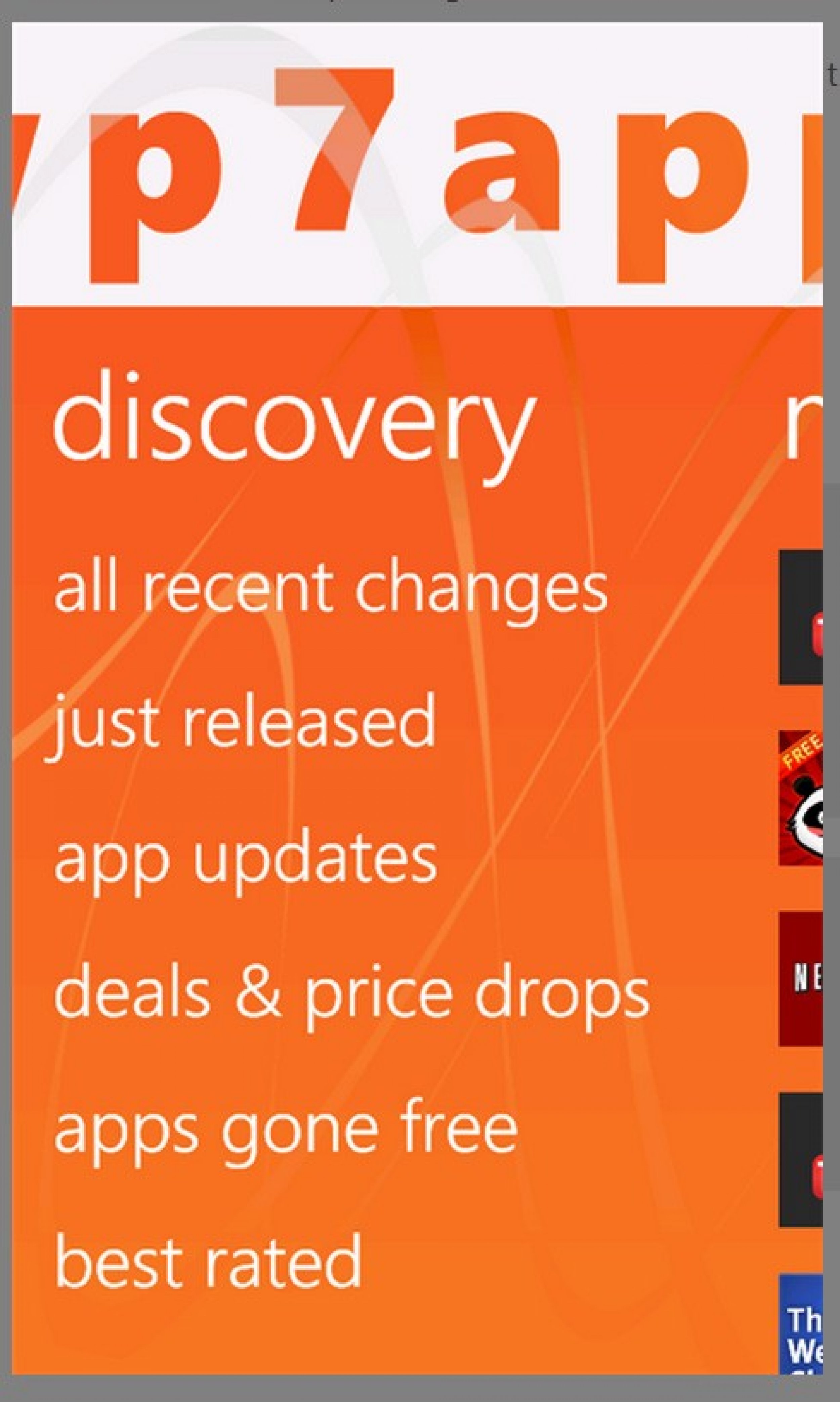
#2 WP7Applist - Top 10 Windows Phone Apps
Photo: ZaamIT.com

#2 WP7Applist - Top 10 Windows Phone Apps

Learn about new apps, apps that have just lowered their prices or apps that have recently been updated with this app tracker. It's free and gives rankings for every app in the Marketplace. WP7Applist runs on Windows Phone 7 or higher.
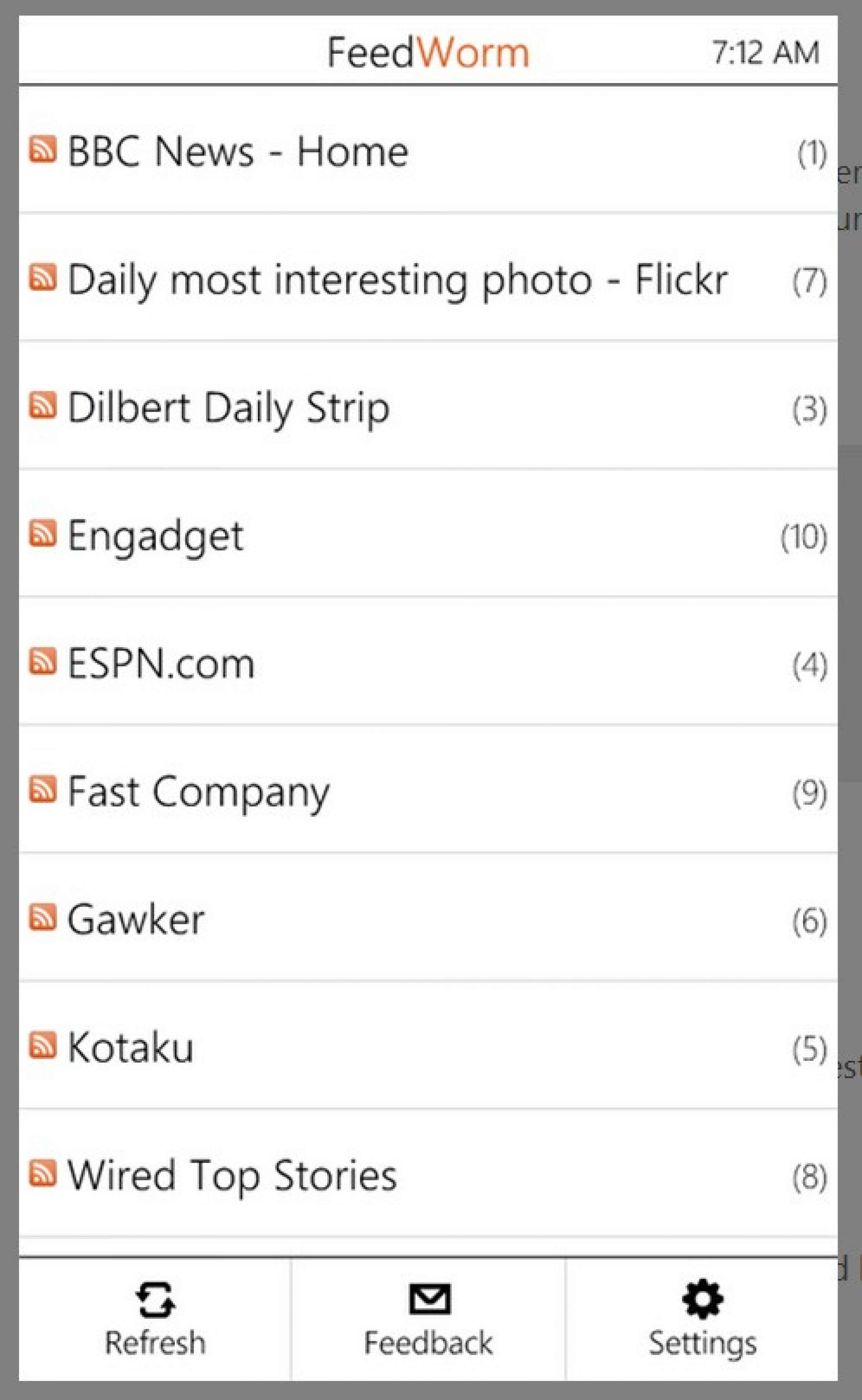
#3 FeedWorm - Top 10 Windows Phone Apps
Photo: David Anson

#3 FeedWorm - Top 10 Windows Phone Apps

This Google Reader client is easy to use, lets you add stars and can be used in offline mode as well. It's free and runs on any Windows Phone.
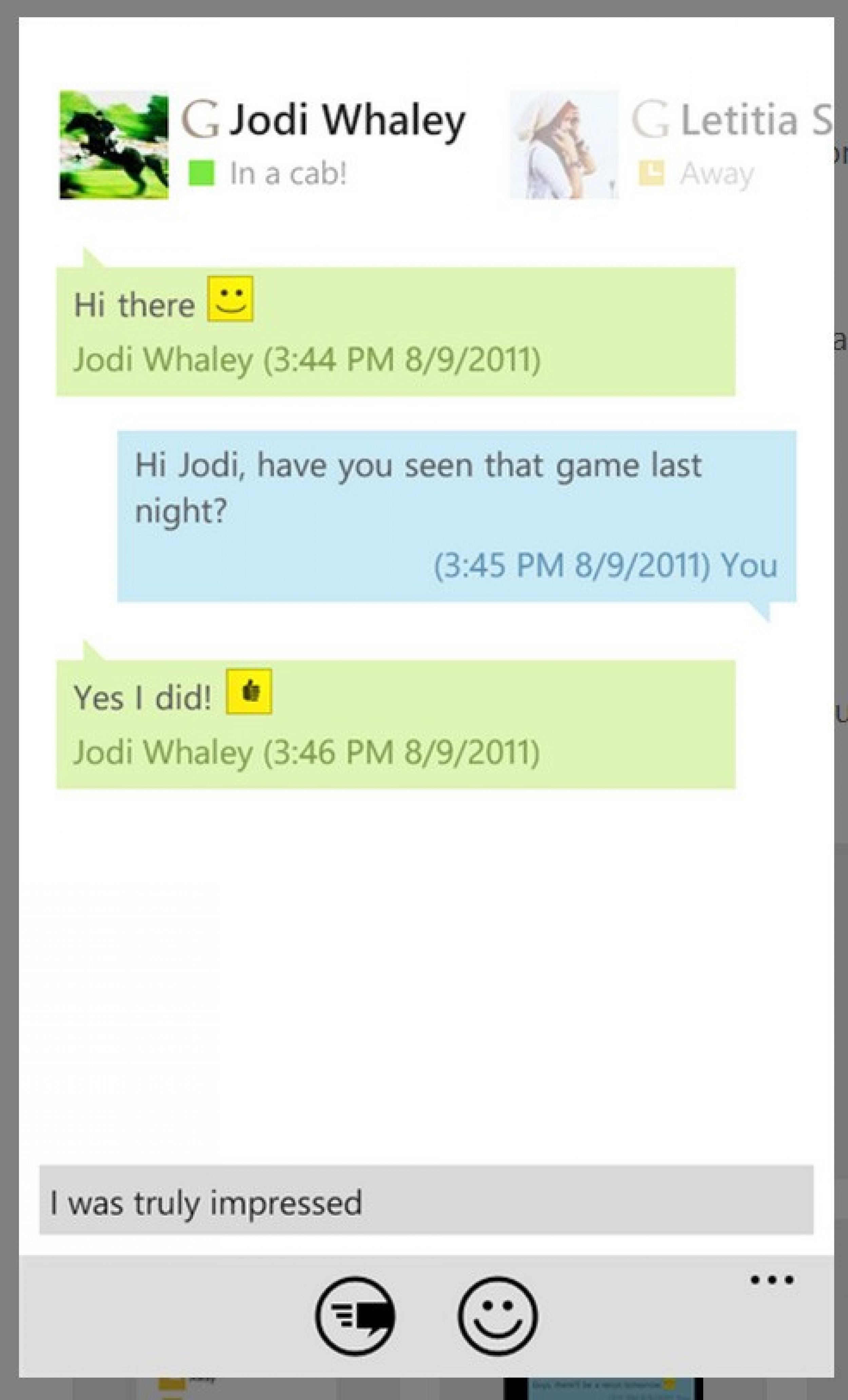
#4 IM+ - Top 10 Windows Phone Apps
Photo: SHAPE Services GmbH

#4 IM+ - Top 10 Windows Phone Apps

A free messaging app that works with many popular chat systems. There's a photo sending option and it supports group chat. There seems to be an issue with MSN/WLM with the new version. If you use that system, it won't work with IM+ version 1.9. If you already have IM+ v1.2 and you use WLM, don't update the app or it won't work anymore. IM+ version 1.9 requires Windows Phone 7.5 to work.
#5 bubblegum - Top 10 Windows Phone Apps
Photo: Goofball Labs

#5 bubblegum - Top 10 Windows Phone Apps

A fun photo sharing app, bubblegum lets you add filters, share on Twitter, Facebook and Foursquare and follow your friends. It's free and runs on all Windows Phones.
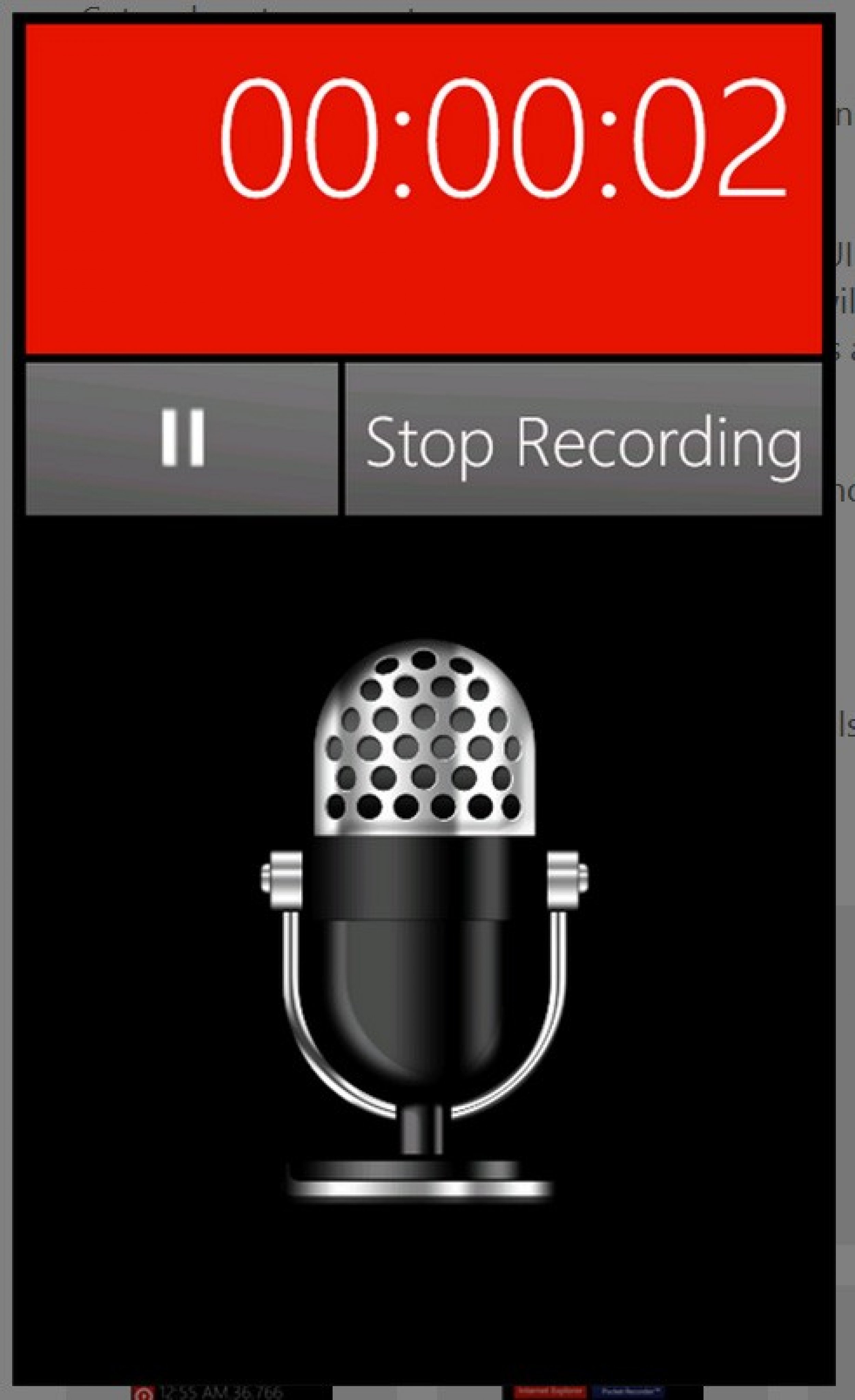
#6 Pocket Recorder - Top 10 Windows Phone Apps
Photo: Xochl Media LLC

#6 Pocket Recorder - Top 10 Windows Phone Apps

Pocket Recorder delivers what it promises, and you can turn your recordings into ringtones , pin them as tiles to the start menu and email recordings from within the app. You can even add recordings to your photos. It costs $1 but there is a free trial available. Windows Phone 7.5 needed.
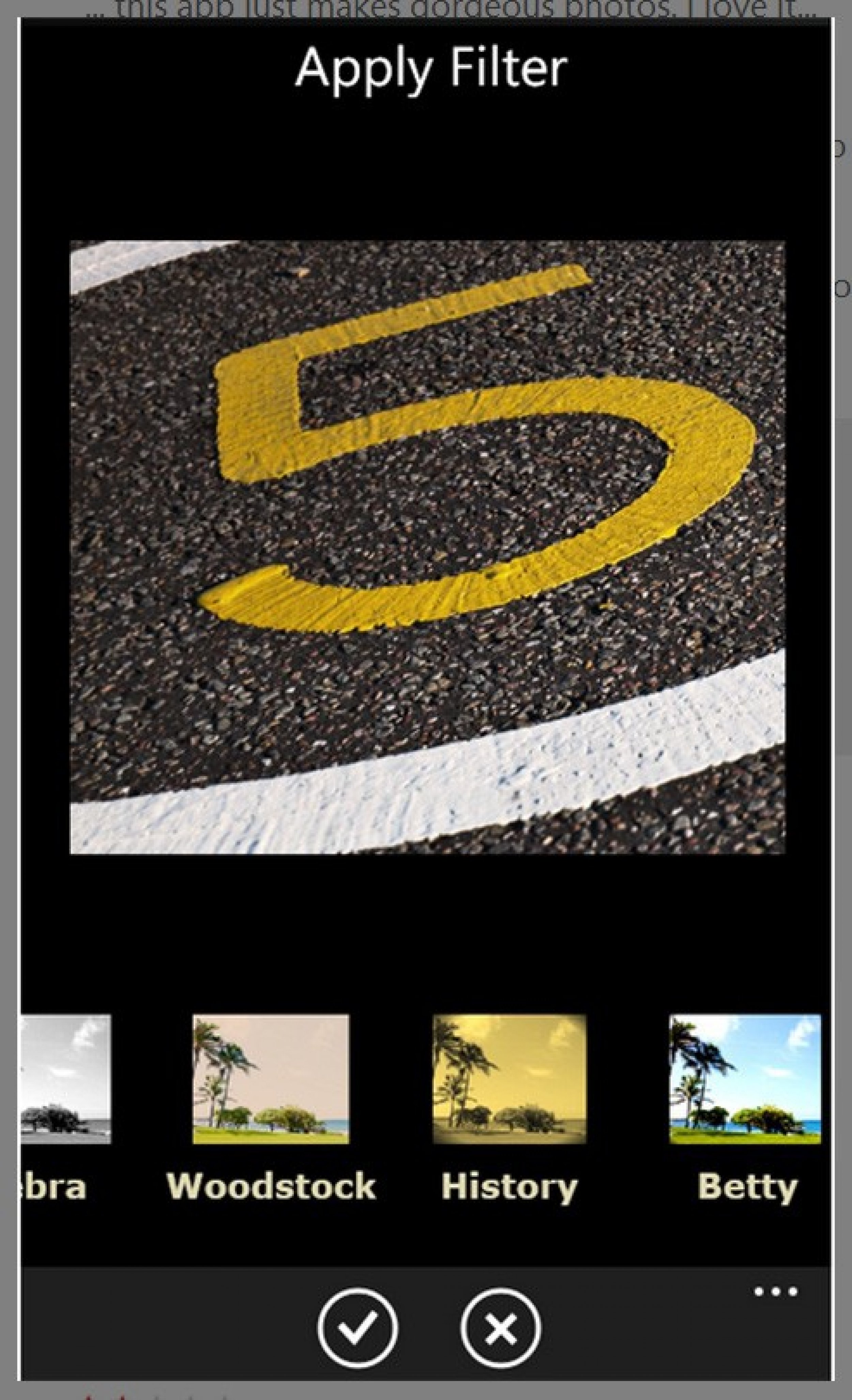
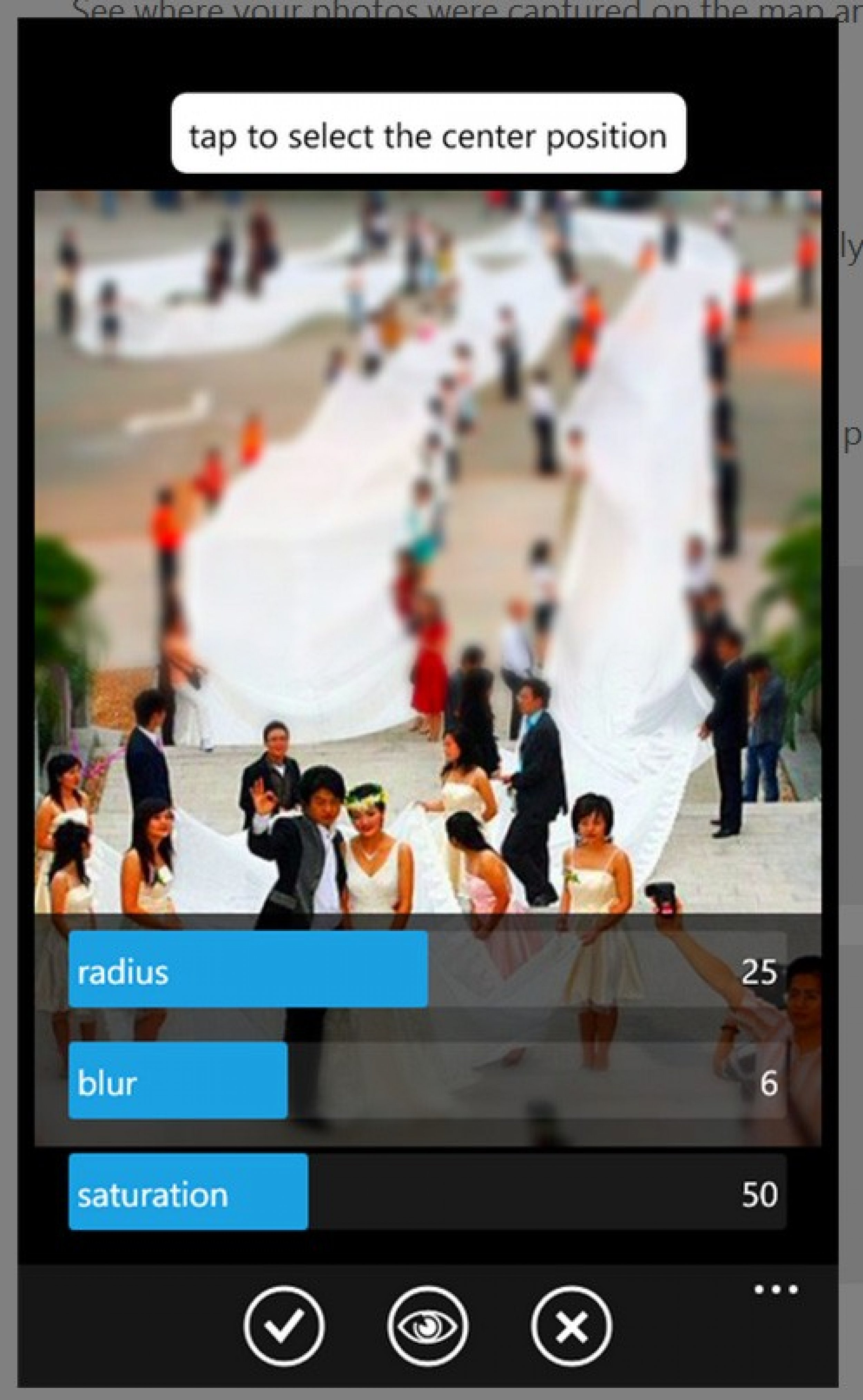
#7 Thumba Photo Editor - Top 10 Windows Phone Apps
Photo: Thumba Corporation

#7 Thumba Photo Editor - Top 10 Windows Phone Apps

This is a fuller photo editor than bubblegum and is even integrated with the Pictures Hub. Make high quality edits and share on Flickr, Twitter and Facebook. It costs $1 and requires WP 7.5.
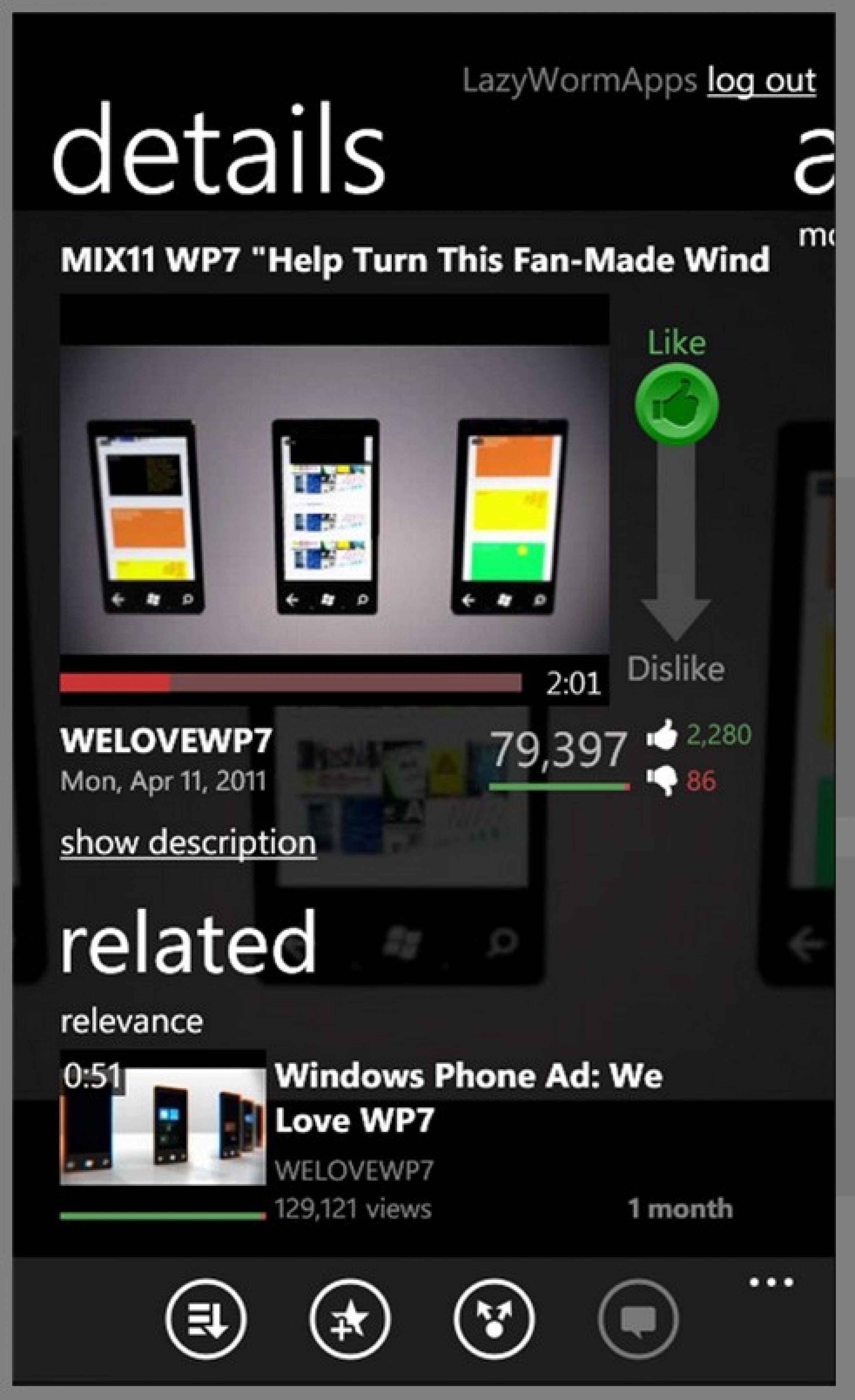
#8 LazyTube - Top 10 Windows Phone Apps
Photo: LazyWorm Applications Ltd.

#8 LazyTube - Top 10 Windows Phone Apps

A YouTube app that lets you make playlists and like or dislike videos. There's even a low quality streaming option for lesser devices or slow connections. It's free and will run on all Windows Phones.
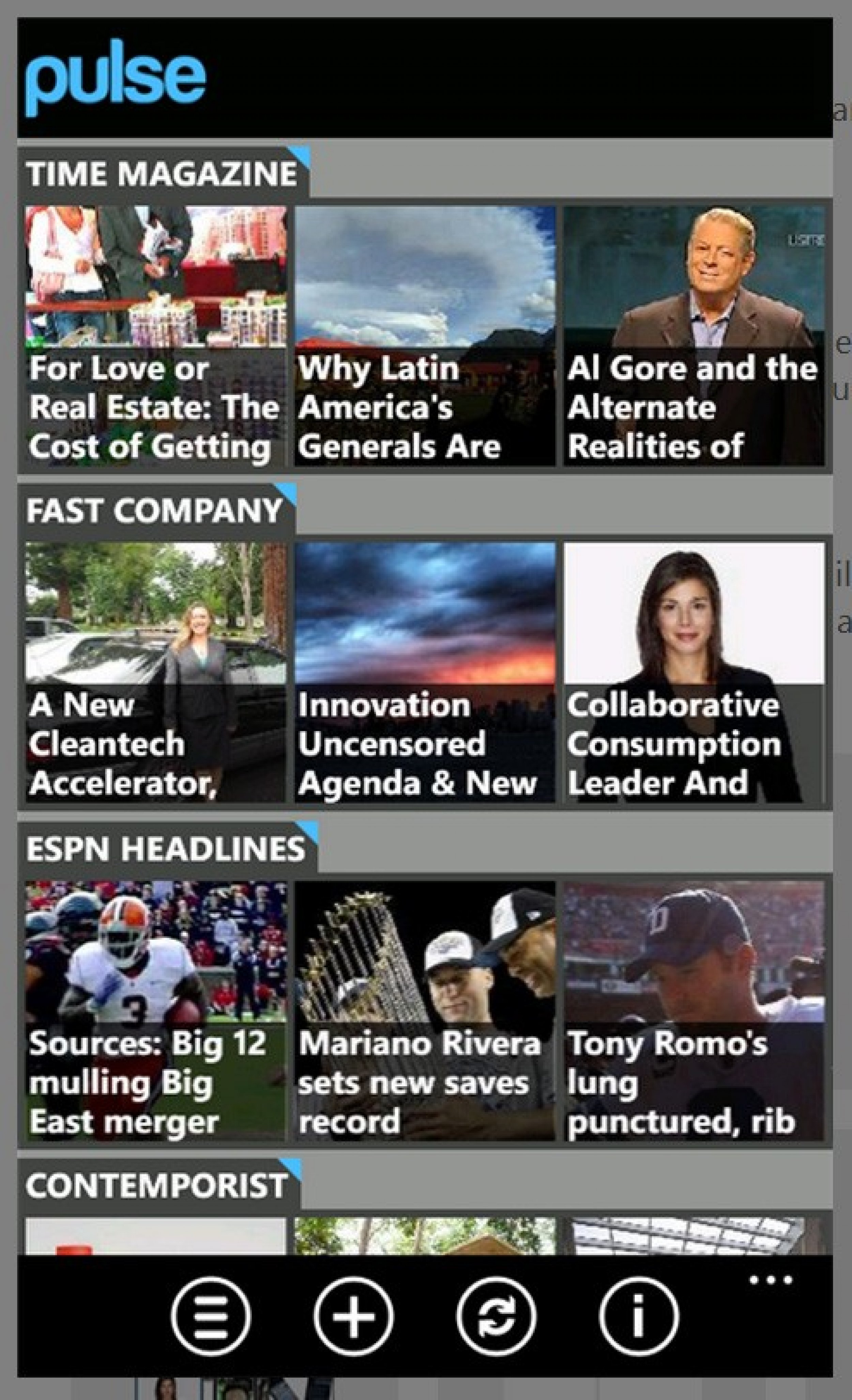
#9 Pulse - Top 10 Windows Phone Apps
Photo: Alphonso Labs

#9 Pulse - Top 10 Windows Phone Apps

Choose your favorite Web publications and Pulse will lay them out in an attractive magazine life format so you can read your blogs, news and sports when you have a free minute. It's free and requires Windows Phone 7.5.
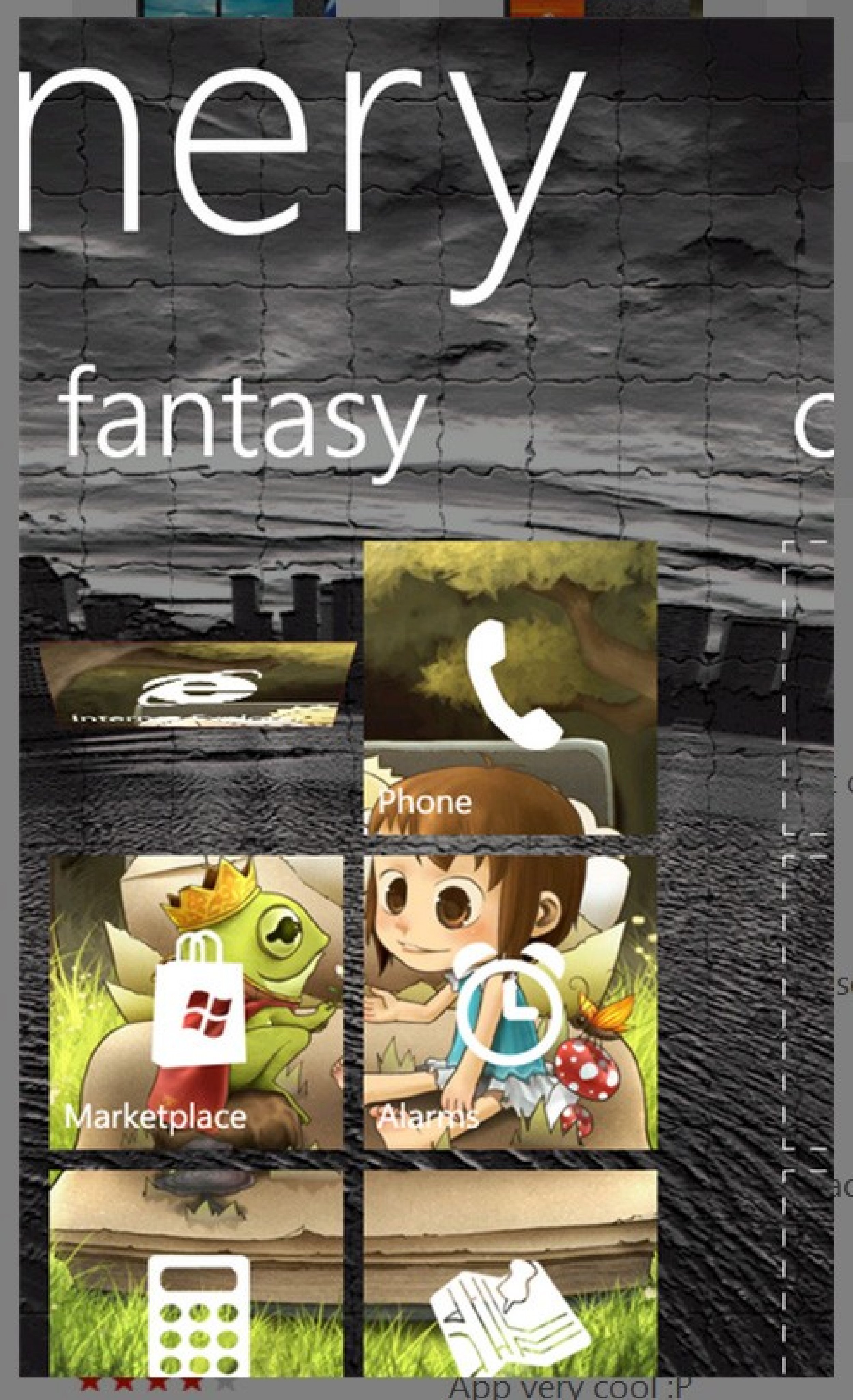
#10 Skinery - Top 10 Windows Phone Apps
Photo: SYM

#10 Skinery - Top 10 Windows Phone Apps

Customize your start menu by choosing a photo that will be integrated into the tile backgrounds. It's a brand new app and an update is already planned with more functions. It's free and requires Windows Phone 7.5.

With around 40,000 apps and growing, the Microsoft Marketplace has only a fraction of the choices available to Android and Apple users. The best apps are the ones that do what you want, look cool and make things easier. There may not be 300,000 apps in the Marketplace, but it's good to have somebody who can curate a list for you, so that's what this is. It is a guide, so check out these apps and compare them to any that you have found. The apps listed are not in any ranked order, just the 10 best you should know about now.

Included are games, photo editors, feed compilers, messaging apps and a new app that lets you customize the tiles on your homescreen. Choose a photo you like and it divides it into sections for each of the live tiles. Start the slide show to see the top 10 Windows Phone apps. Tell us in the comments if you've used any of these or if you plan to try any of them out.  

MUST READ: iOS 5 vs Windows Phone: Which is Easier to Use?

MUST READ: Best T-Mobile Deal: Nokia Lumia 710 vs HTC Radar 4G

MUST READ: iPhone 5 vs Nokia Lumia 900 vs HTC Titan II: Wait for the New iPhone or an LTE Windows Phone?