By | March 19 2012 1:37 PM

1 of 9
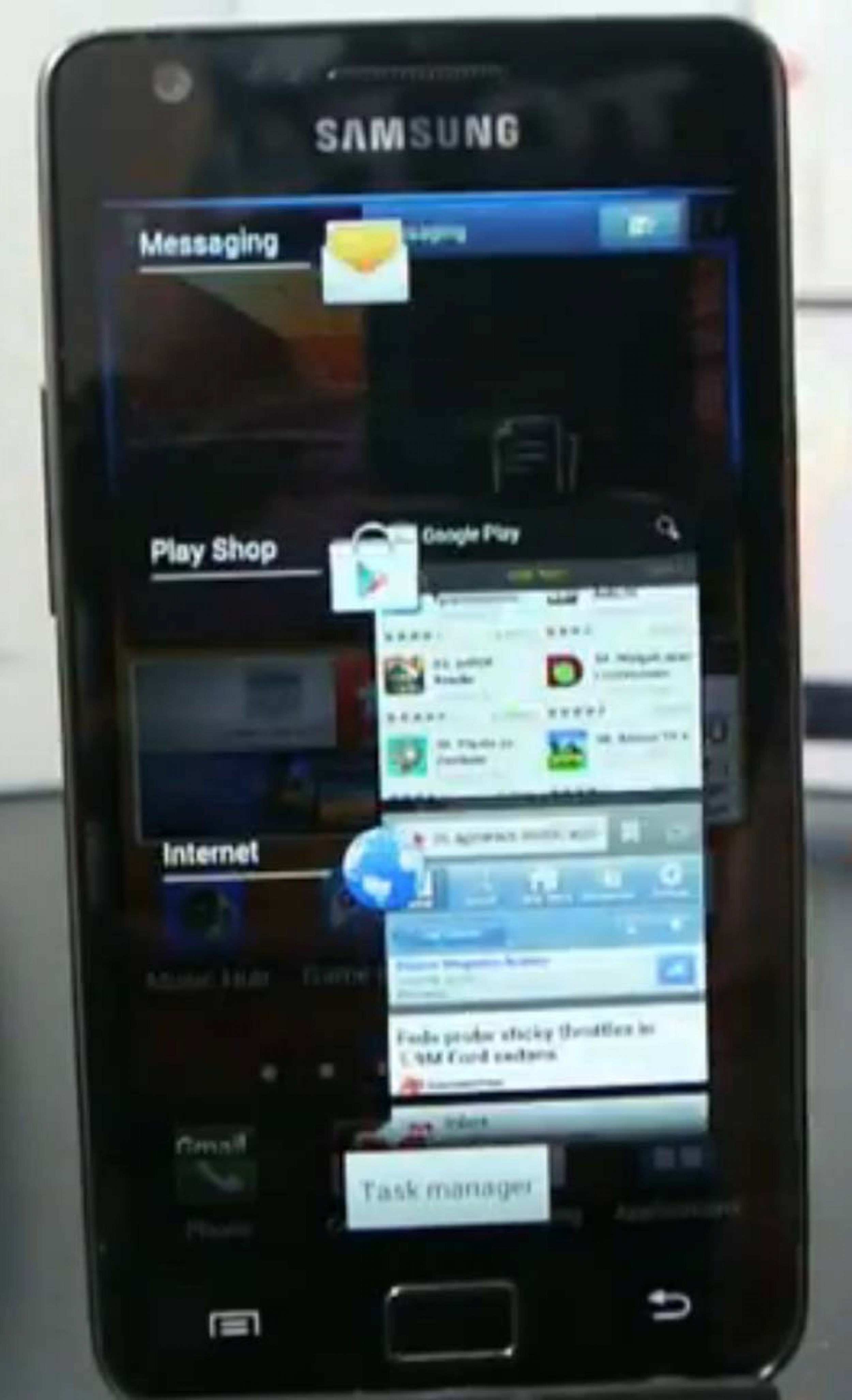
#1 New Multitasking Menu - Samsung Galaxy S2 Ice Cream Sandwich Review: Why Android 4.0 is Hiding Behind TouchWiz
Photo: Swedroid

#1 New Multitasking Menu - Samsung Galaxy S2 Ice Cream Sandwich Review: Why Android 4.0 is Hiding Behind TouchWiz

A new feature is the multitasking menu. It's easy to close apps from this menu by swiping the icons off the screen. It's kind of fun! This was a feature of the slick WebOS system developed by Palm and integrated into Android when Google hired some of the same engineers.
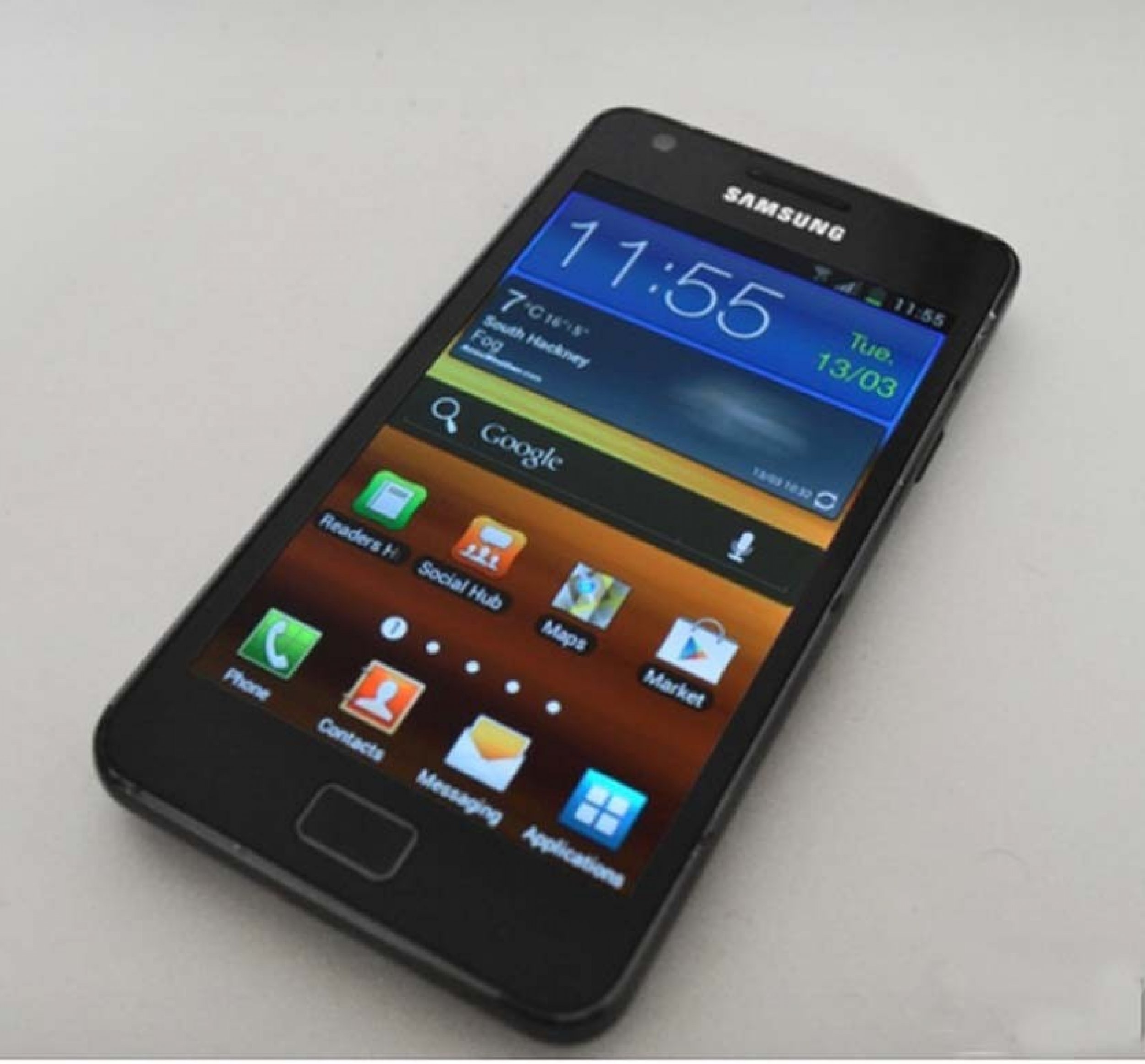
#2 Samsung Hubs - Samsung Galaxy S2 Ice Cream Sandwich Review: Why Android 4.0 is Hiding Behind TouchWiz
Photo: The Verge

#2 Samsung Hubs - Samsung Galaxy S2 Ice Cream Sandwich Review: Why Android 4.0 is Hiding Behind TouchWiz

Social Hub, Readers Hub, Music and Games are all present and unchanged.
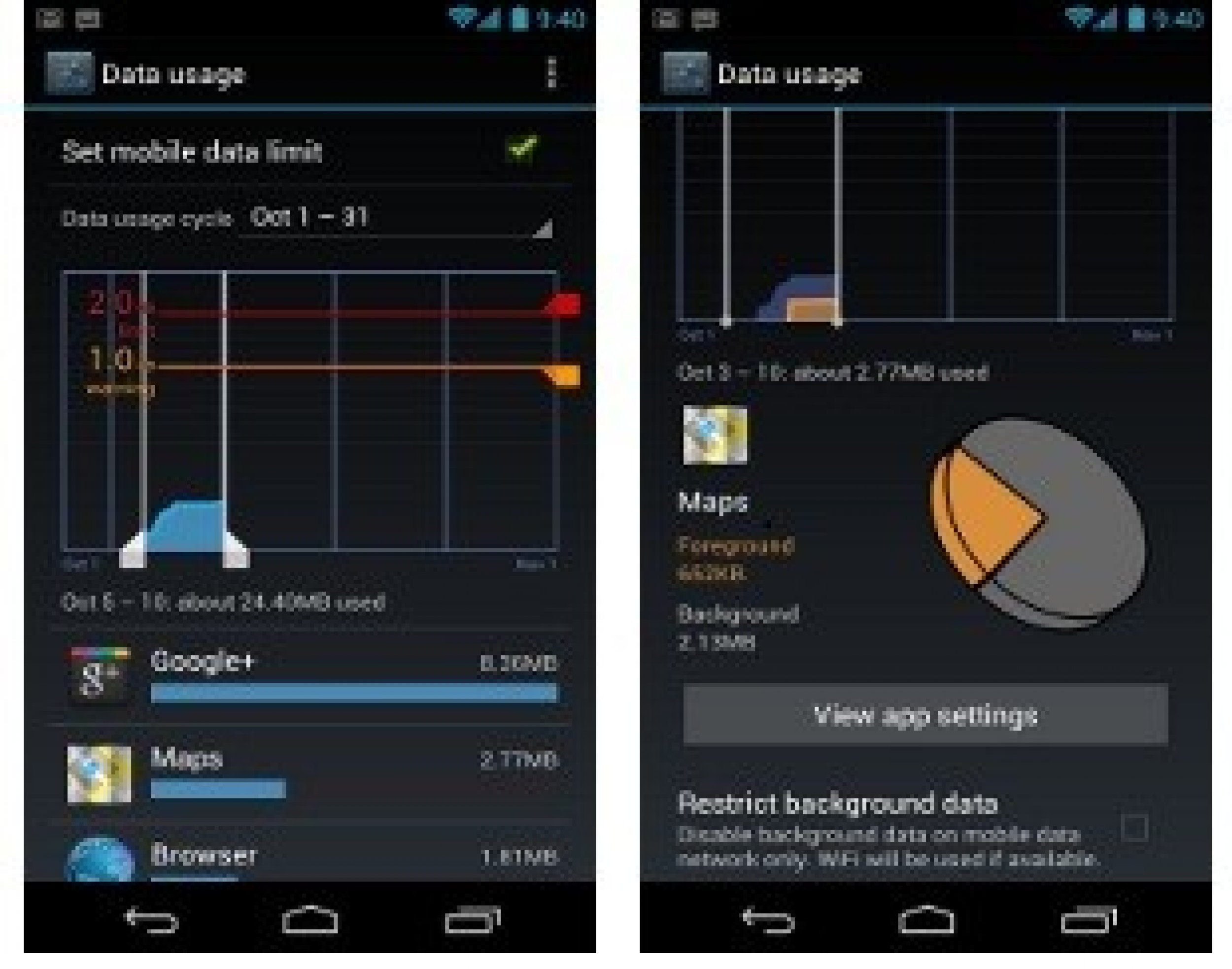
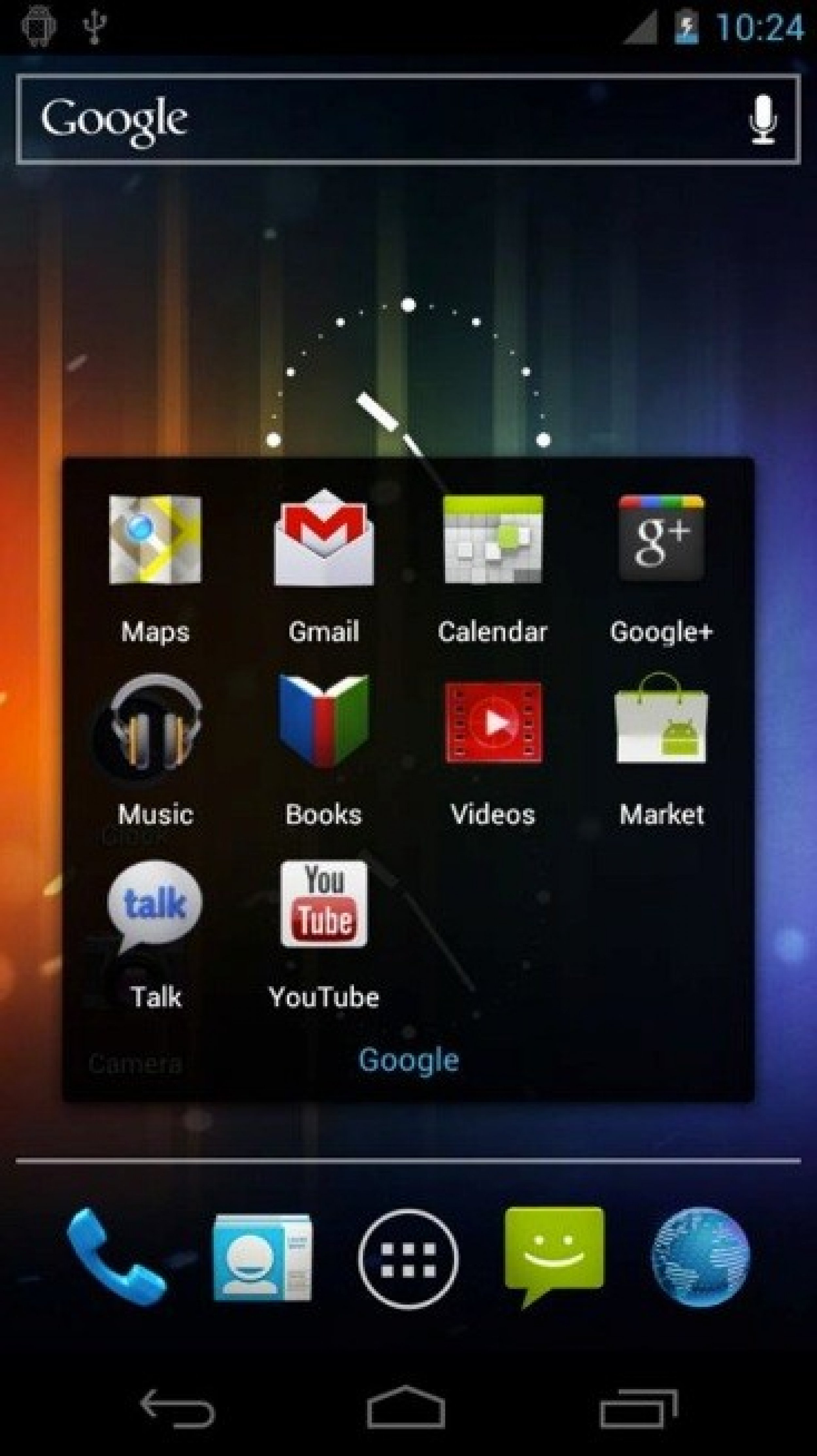
#3 Google Apps (and widgets) - Samsung Galaxy S2 Ice Cream Sandwich Review: Why Android 4.0 is Hiding Behind TouchWiz
Photo: Google

#3 Google Apps (and widgets) - Samsung Galaxy S2 Ice Cream Sandwich Review: Why Android 4.0 is Hiding Behind TouchWiz

Track data and take screenshots with Android 4.0.
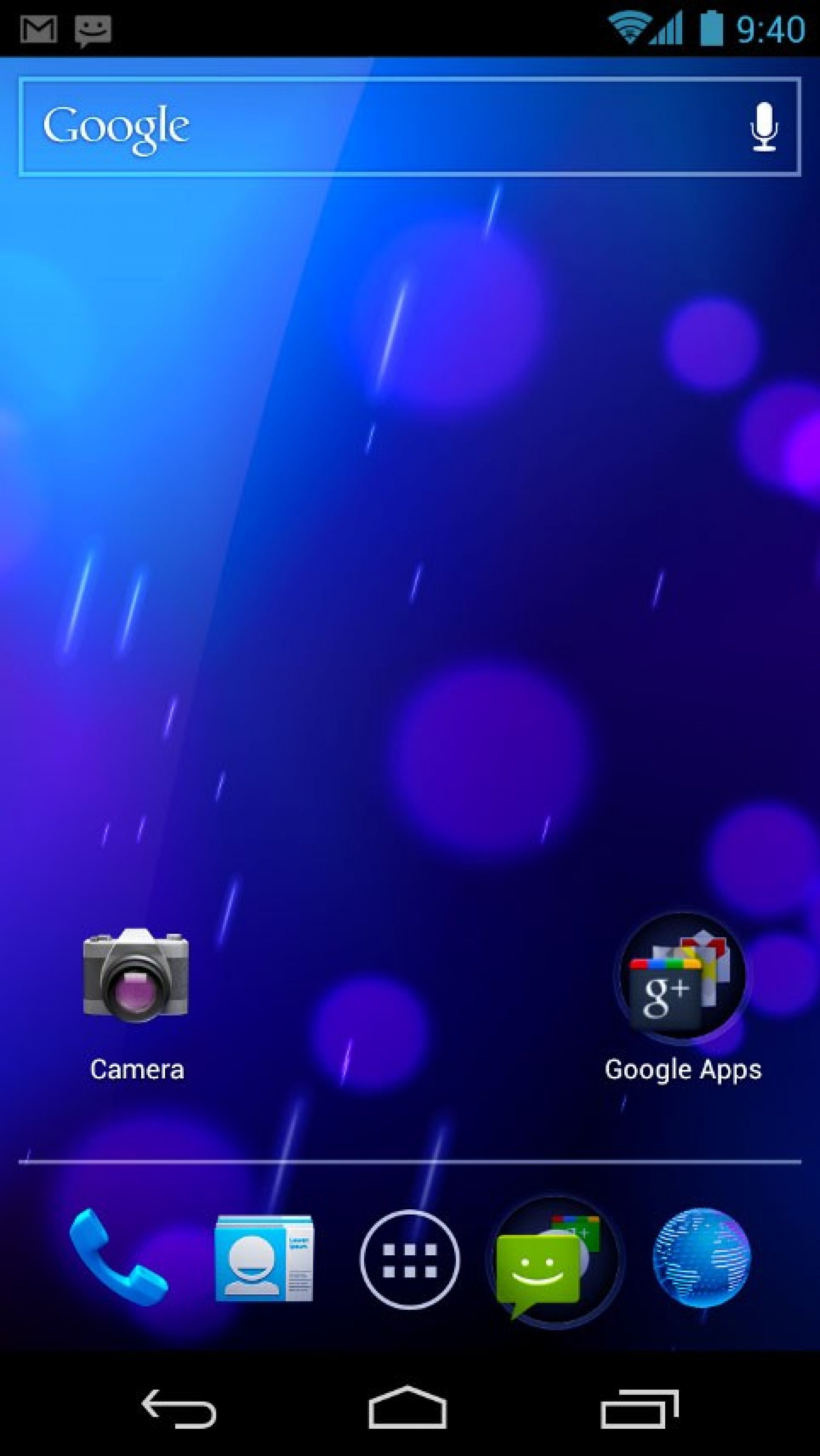
#4 Notifications Bar - Samsung Galaxy S2 Ice Cream Sandwich Review: Why Android 4.0 is Hiding Behind TouchWiz
Photo: Android.com

#4 Notifications Bar - Samsung Galaxy S2 Ice Cream Sandwich Review: Why Android 4.0 is Hiding Behind TouchWiz

The oversized buttons in the notifications area is the same with the update.
#5 Homescreen - Samsung Galaxy S2 Ice Cream Sandwich Review: Why Android 4.0 is Hiding Behind TouchWiz
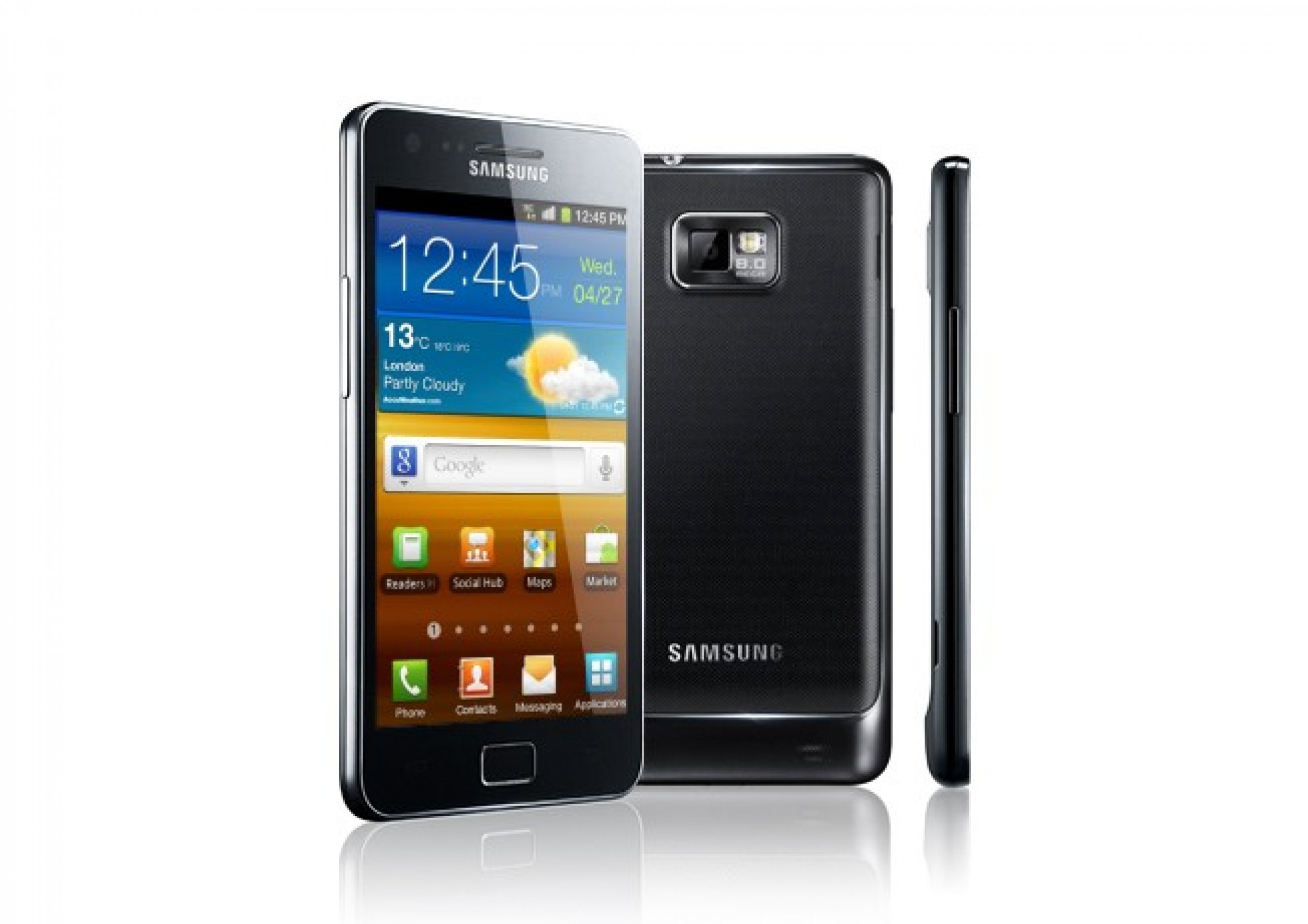
Photo: www.samsung.com

#5 Homescreen - Samsung Galaxy S2 Ice Cream Sandwich Review: Why Android 4.0 is Hiding Behind TouchWiz

Rearranging and adding home screens is the same.
#6 App Drawer - Samsung Galaxy S2 Ice Cream Sandwich Review: Why Android 4.0 is Hiding Behind TouchWiz
Photo: Android.com

#6 App Drawer - Samsung Galaxy S2 Ice Cream Sandwich Review: Why Android 4.0 is Hiding Behind TouchWiz

There's no resizable widgets, but when scrolling through the app screens, the screen will loop back to the first page when you reach the last.
#7 Browser - Samsung Galaxy S2 Ice Cream Sandwich Review: Why Android 4.0 is Hiding Behind TouchWiz
Photo: Android.com

#7 Browser - Samsung Galaxy S2 Ice Cream Sandwich Review: Why Android 4.0 is Hiding Behind TouchWiz

There shouldn't be any Flash problems, and the browser hasn't changed much here. It's still a great one.
#8 Keyboard - Samsung Galaxy S2 Ice Cream Sandwich Review: Why Android 4.0 is Hiding Behind TouchWiz
Photo: Google

#8 Keyboard - Samsung Galaxy S2 Ice Cream Sandwich Review: Why Android 4.0 is Hiding Behind TouchWiz

The keyboard is the same if you're using the stock version.
#9 Lock Screen - Samsung Galaxy S2 Ice Cream Sandwich Review: Why Android 4.0 is Hiding Behind TouchWiz
Photo: Google

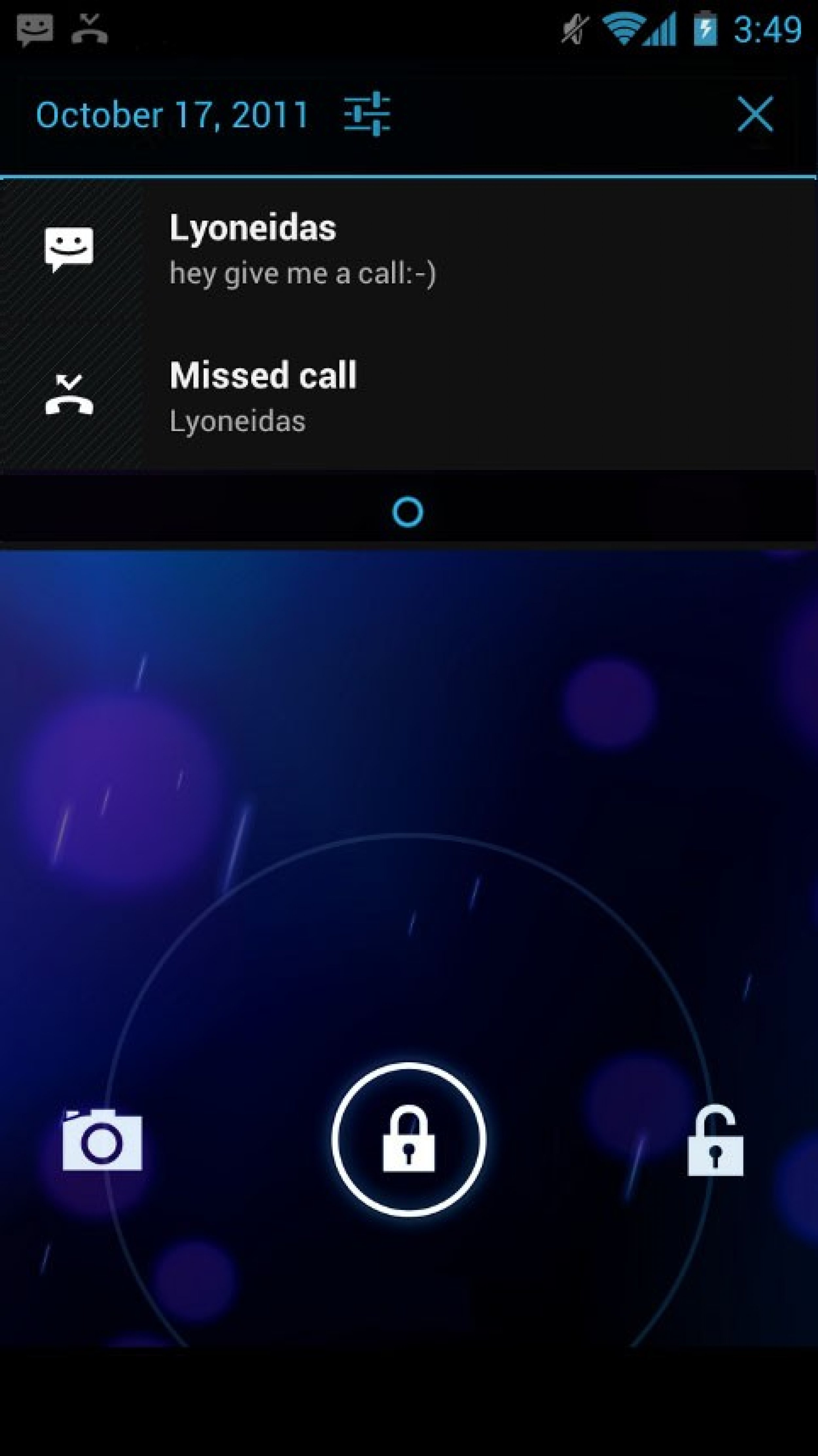
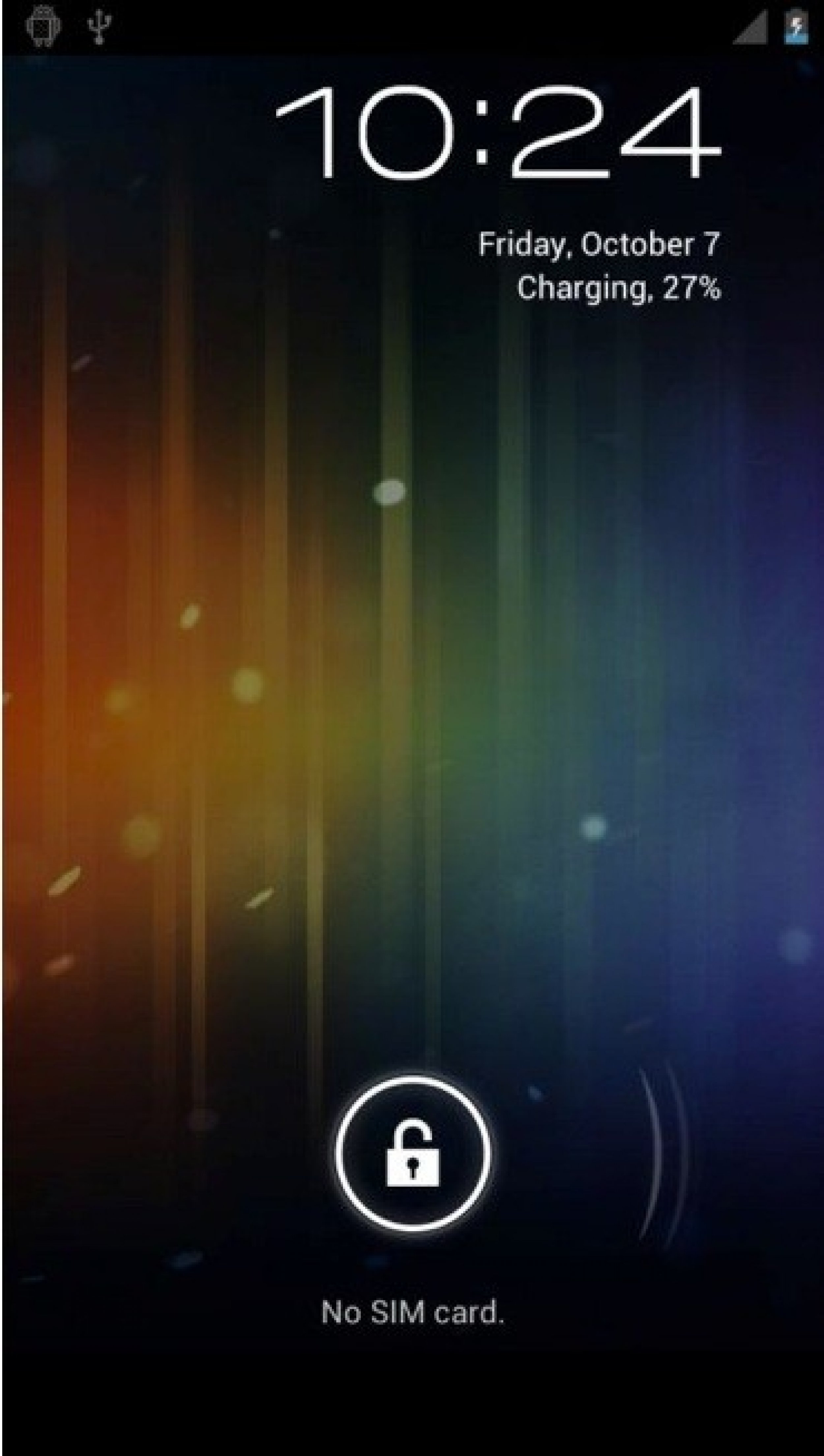
#9 Lock Screen - Samsung Galaxy S2 Ice Cream Sandwich Review: Why Android 4.0 is Hiding Behind TouchWiz

The lockscreen can't launch right into the camera app like on the Galaxy Nexus

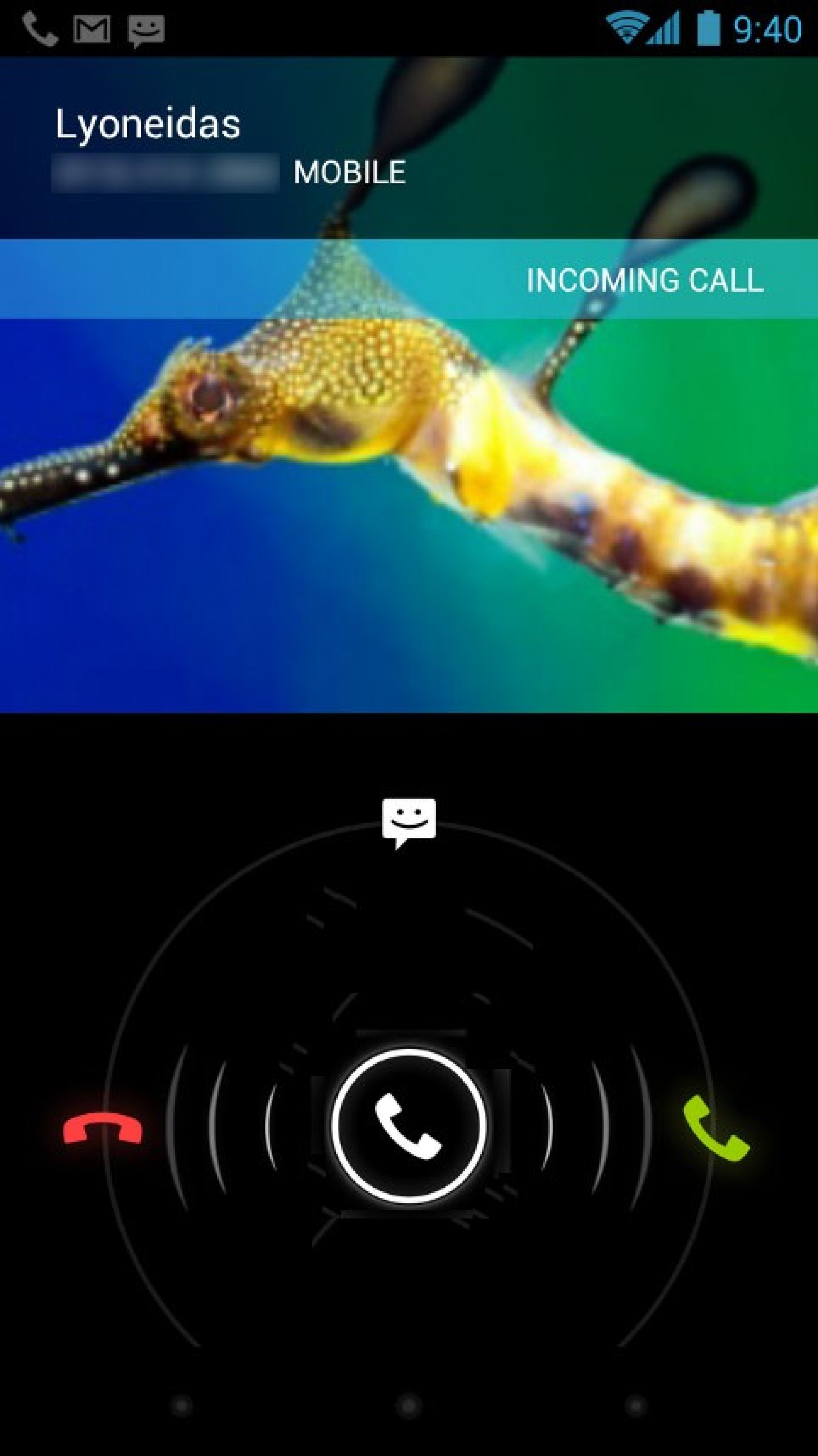
U.S. based Samsung Galaxy S2 smartphone owners are still waiting for an official release of the Android 4.0 Ice Cream Sandwich update. In this review, we'll go over what's new and explain why Android is hiding behind the Samsung TouchWiz software. When the major U.S. carriers get around to updating their versions of the Samsung Galazy S2, it won't look much different from what most people see on their phone now. The lockscreen will look a bit different, and the homescreen Google search bar is a bit different, but the homescreen hasn't changed.

Samsung's Hubs are still there, and the app drawer hasn't changed from the TouchWiz version on the Android 2.3 software. Samsung likely doesn't want to abruptly change the look and functionality of the popular phone, so the Ice Cream Sandwich changes are not as apparent right away. The new Google apps and widgets are there, but things like rearranging the homescreen and the keyboard are virtually the same once the update hits. We still don't know when the update will arrive, and it won't be the same for each carrier, so keep checking with them for the update. Start the slideshow to see some of the new features. Let us know if you plan to update or your Galaxy S2 or not.

MUST READ: Free HTC Sensation 4G on T-Mobile: This Could be Your Next Ice Cream Sandwich Phone

MUST READ: iPhone 5: Buy a Samsung Galaxy S2 with Ice Cream Sandwich or Wait for Apple's Next Smash Hit?